

Firmware
Download CMF Phone 2 Pro Flash File (24121) Firmware & FREE Tool
GGsmMeta Admin
••3 min read
•816 views
•
## CMF Phone 2 Pro Flash File (Stock ROM) Download
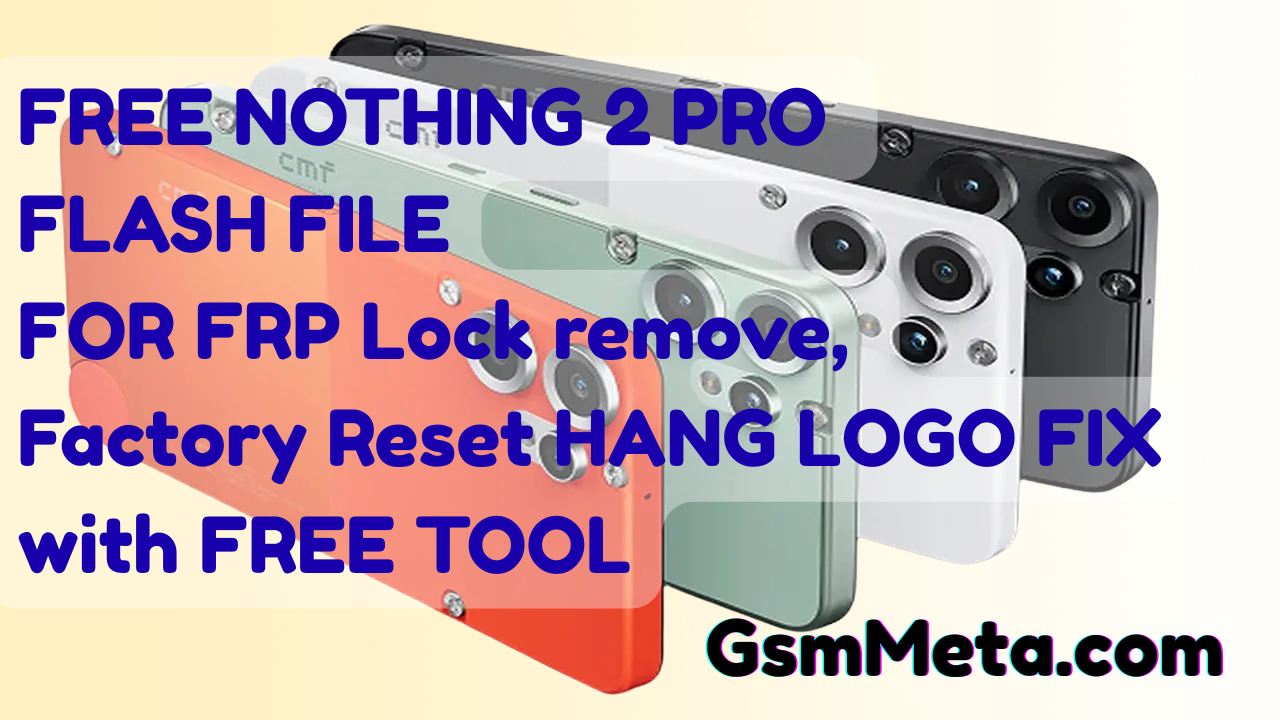
Welcome to the official download page for the **Nothing Phone 2 Pro (Model 24121) Flash File**. If you are searching for the Nothing Phone 2 Pro flash file or standard firmware to restore your device, for FRP or Factory Reset you have come to the right place. This file is based on Nothing OS and is essential for fixing common software issues.
Whether your device is stuck on the logo, facing boot loops, or completely bricked after a failed update or experiment, flashing this Stock ROM will restore it to factory settings. ** It also helps in fixing Pattern Lock, password lock, FRP (Factory Reset Protection), ** and other software glitches.
About CMF Phone 2 Pro (24121)
The CMF Phone 2 Pro is a powerful mid-range device running on the sophisticated Nothing OS. Before flashing, ensure your device matches these specifications:
Processor: MediaTek Dimensity 7300 Pro (4 nm) Latest Chipset.
RAM: 8GB
Battery: 5000mAh (Non-removable) with 33W Fast Charging.
Operating System: Nothing OS 3.2 (Based on Android 15).
Storage: 128GB / 256GB (Note: No dedicated SD card slot).
Why Download CMF Phone 2 Pro Firmware?
Flashing the official Stock ROM is the most reliable way to solve software problems without voiding your hardware warranties (if applicable). This firmware helps you:
Unbrick Your Device: Revive a dead phone after a wrong file flash.
Fix Boot Loop: Solve the issue where the phone restarts continuously.
Upgrade or Downgrade: Change your Nothing OS version.
Fix Lag & Stutter: Smooth out performance issues.
Remove Software Bugs: Clean installation removes system errors.
Pre-requisites Before Flashing
To ensure a successful flash without damaging your phone, please follow these steps strictly:
Battery: Charge your phone to at least 70% to avoid shutdown during the process.
Cable: Use the original Nothing USB Cable for a stable connection.
Drivers: Download and install the MediaTek (MTK) USB Drivers and Nothing Flash Tool drivers on your PC.
Backup: Flashing will erase all user data. Please backup important contacts, photos, and messages if possible.
Download CMF Phone 2 Pro 24121 Flash File
Below is the latest tested firmware file for the device.
File Name: CMF Phone 2 Pro Nothing Tested OS 3.2 Version GsmMeta.com
Platform: MediaTek
Type: Stock ROM / Scatter File
### Download Link for Firmware
https://drive.google.com/file/d/1A_9e6wUL0obodQeQRwvqneZZjGwrouIK/view?usp=sharing
### Subheading text
**Password : gsmmeta.com.**
How to Flash Using Nothing Flash Tool
Follow these instructions to flash the firmware onto your CMF Phone 2 Pro:
Download & Extract: Download the firmware zip file from the link above and extract it on your PC using WinRAR or 7Zip.
Open Flash Tool: Navigate to the Nothing Flash Tool folder and double-click the executable icon to launch it.
Load Firmware: Click on "Start All" or "Load Scatter" depending on your tool version.
Connect Device: Switch off your mobile completely. Hold the Volume Up + Volume Down buttons and connect the USB cable to the PC (MTK Mode).
Start Flashing: The tool should detect your device and begin the flashing process.
Completion: Wait until the progress bar reaches 100% and you see a "Pass" or "Success" message.
Note: If your device is not connecting to the PC, please check your driver installation or try a different USB port.
*Disclaimer: Flashing firmware involves risks. GsmMeta.com is not responsible for any damage caused to your device during this process. Proceed at your own risk and follow all instructions carefully. *
G
Written by
GsmMeta Admin
Comments (0)
Please sign in to leave a comment
Sign In